Pre-docking checks
Clearance around the aircraft and console checks.

Docking, retraction and checks for jetway operators, without an aircraft at the gate.
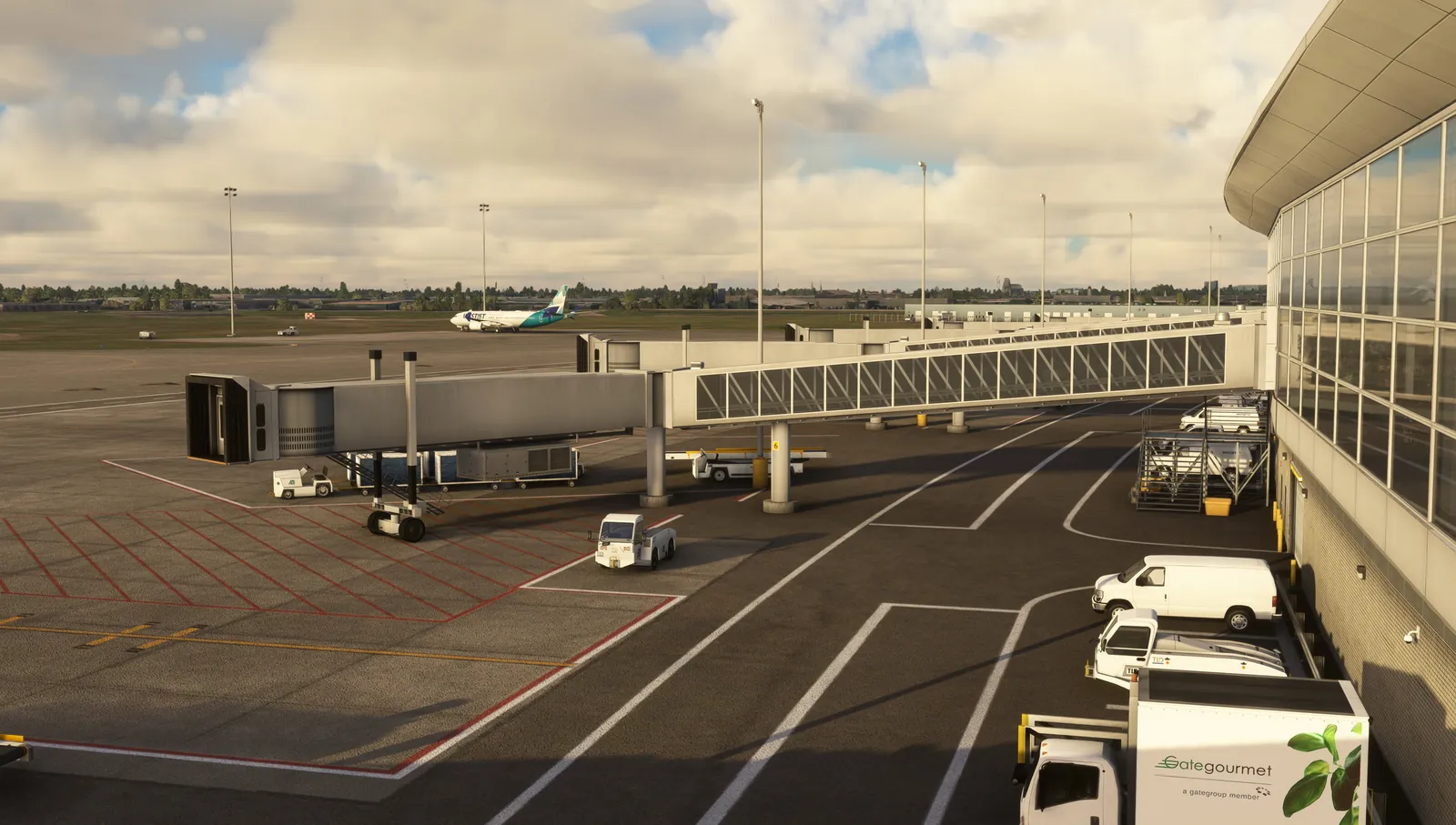
A bridge strike on a door or fuselage grounds the aircraft and starts an investigation. New bridge operators rarely get enough supervised dockings before they work alone, because every one needs an aircraft at the gate. AVOPSIM models the bridge, its console and your aircraft types so operators can dock, retract and repeat without a turnaround in progress. The bridge model, console layout and aircraft types are configured to your gates.
Each item is a mission type your instructors can assign, repeat and score. All of them run on your own airfield.
Clearance around the aircraft and console checks.
Initial positioning and approach path to the door.
Console control as on the real bridge.
Stop position and door alignment.
Against the aircraft type and door.
Post-operation checks.
Door heights and positions by type.
Rain, wind and darkness at the gate.
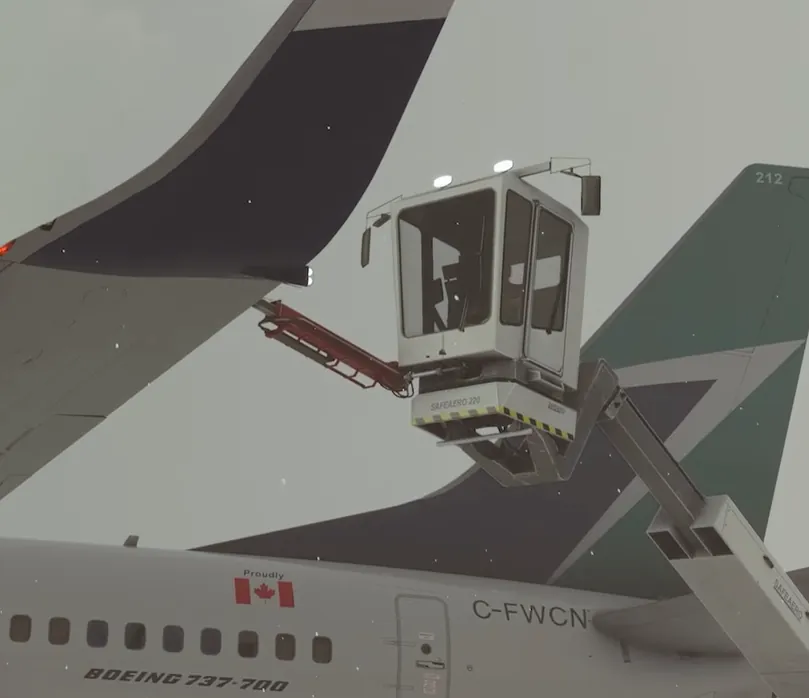
Train the task that costs the most when it goes wrong.
Dockings happen at the station, not during a turnaround.
Every approach is scored against the same criteria.
Bridge type and console layout configured per terminal.
Tier 3 stations fit a replica console.
Start at one gate and expand.
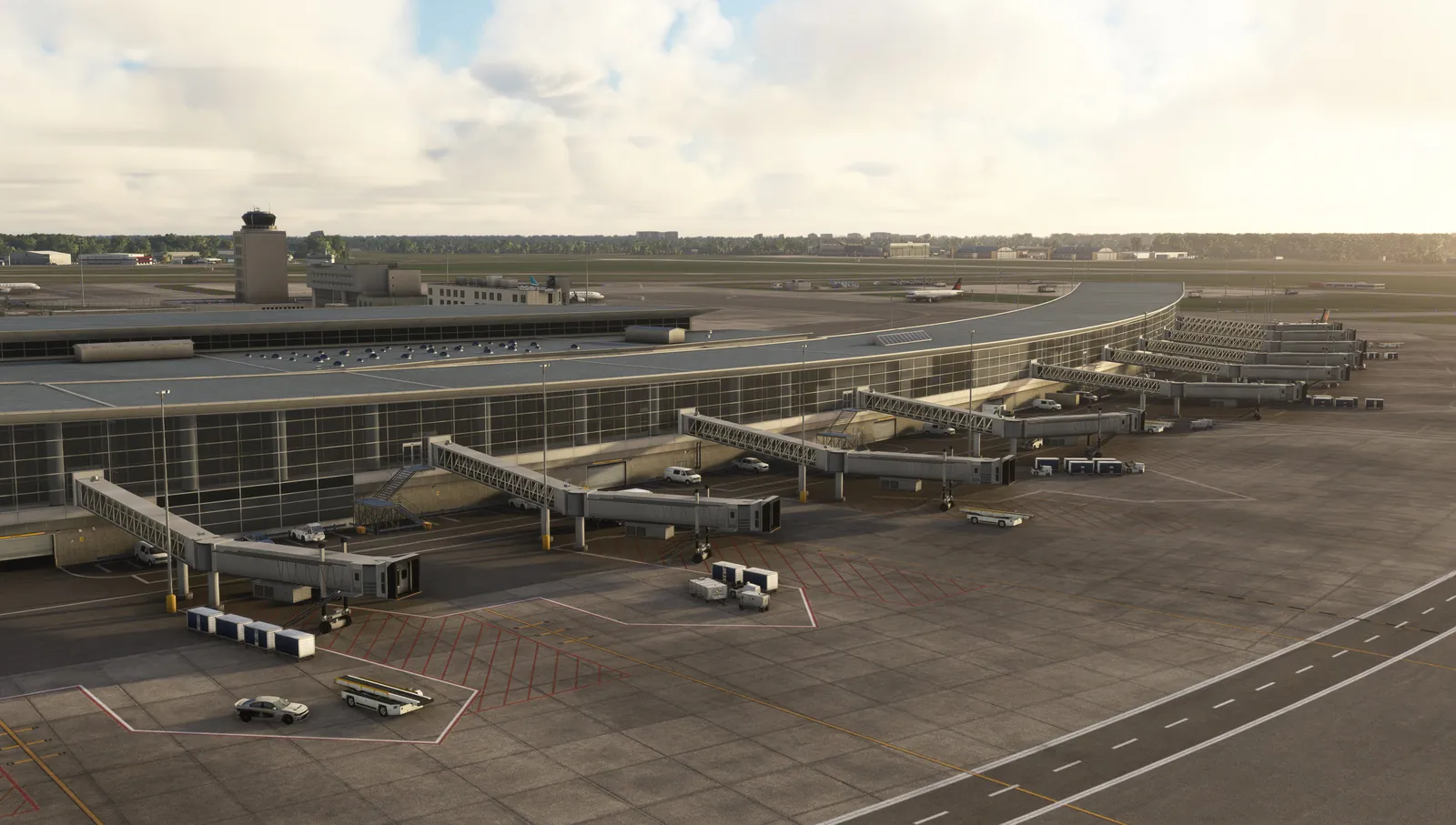
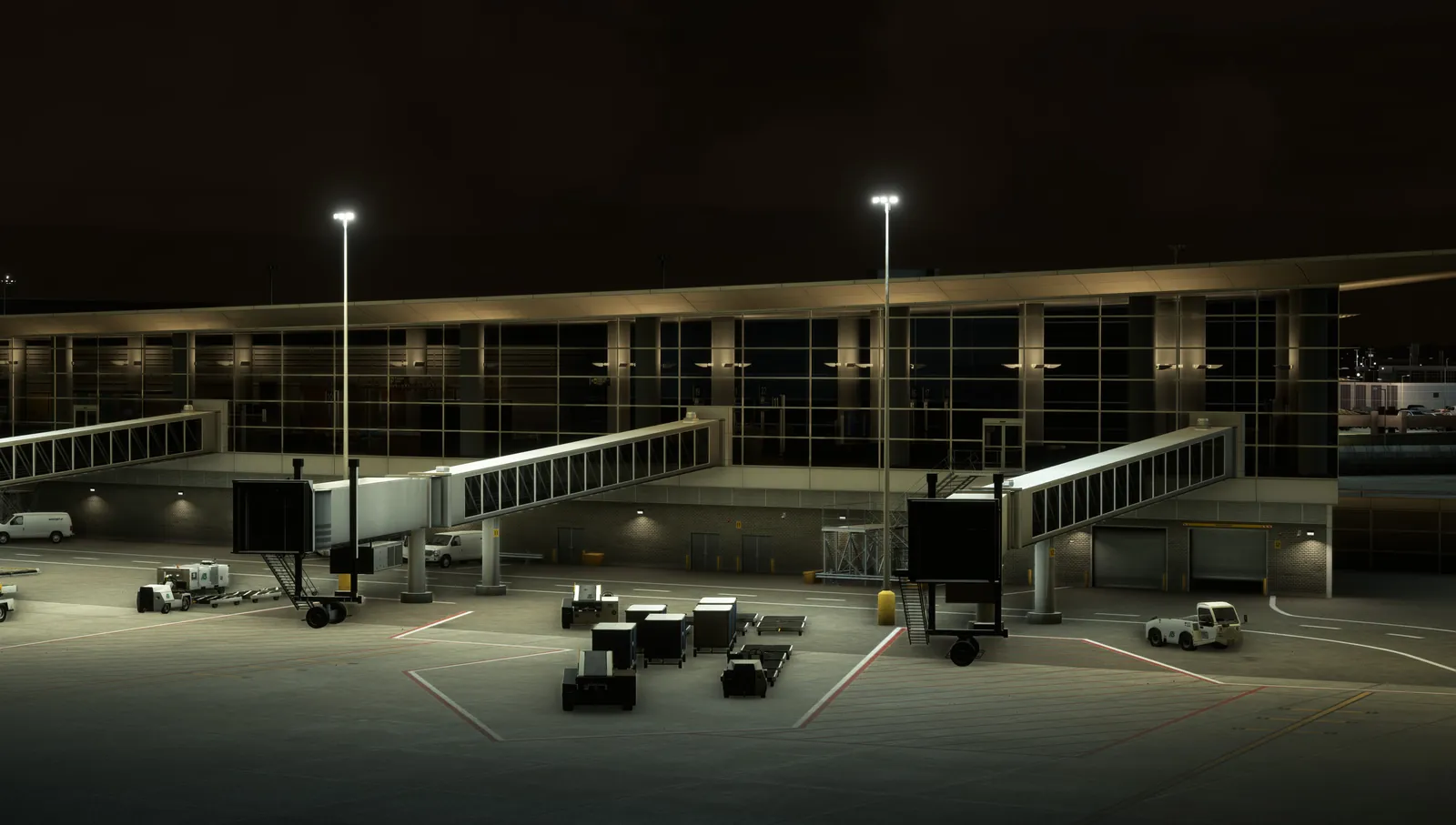
Your airfield, signage, lighting and buildings, reproduced from real-world data.
World, weather and physics maintained by Microsoft and Asobo.
Add programs, vehicles and stations as you go, from desk station to full cabin.
Hardware, software, installation, instructor training and one year of support.
Write to sales@avopsim.com, or download the brochure to share with your team.